KeePass sync · Windows, macOS, Linux
Your KeePass database,
the same everywhere.
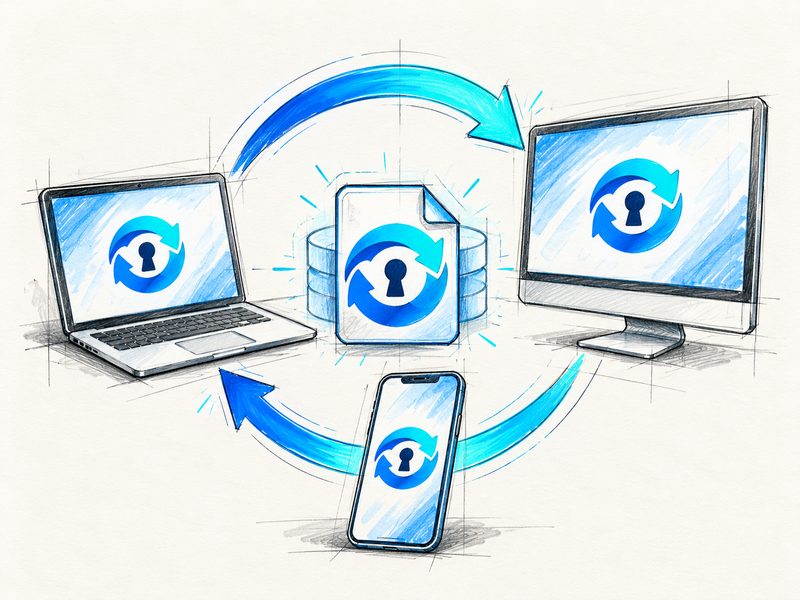
Add a password on your laptop and a moment later it is on your office computer too. KeeSync uploads your .kdbx file every time you save it and downloads it on your other computers. Encryption stays with KeePass.
Version 0.4.0 Windows installer (exe) · 107.53 MB
On a phone? KeeSync runs on computers – on Android and iOS open the same database in another KeePass app over WebDAV. See how
This is a private KeeSync instance – accounts are created by the administrator.
The same .kdbx file you use today
How it works
Set it up once,
then forget about it.
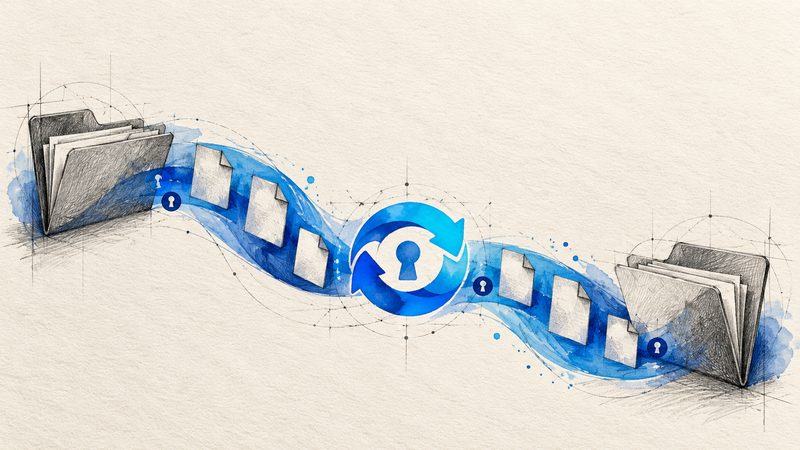
You use KeePass the way you always have: open the database, save, close. Meanwhile KeeSync makes sure your other computers have the latest version.
-
Install the app
For Windows, macOS and Linux. The app sits in the system tray and its icon colour shows the sync status.
-
Sign in
With the same account on every computer that should have the database.
-
Pick your .kdbx files
From then on every save goes to the server and your other computers fetch it on their own.
01 — Sync & backups
No more copying it
to a USB stick.
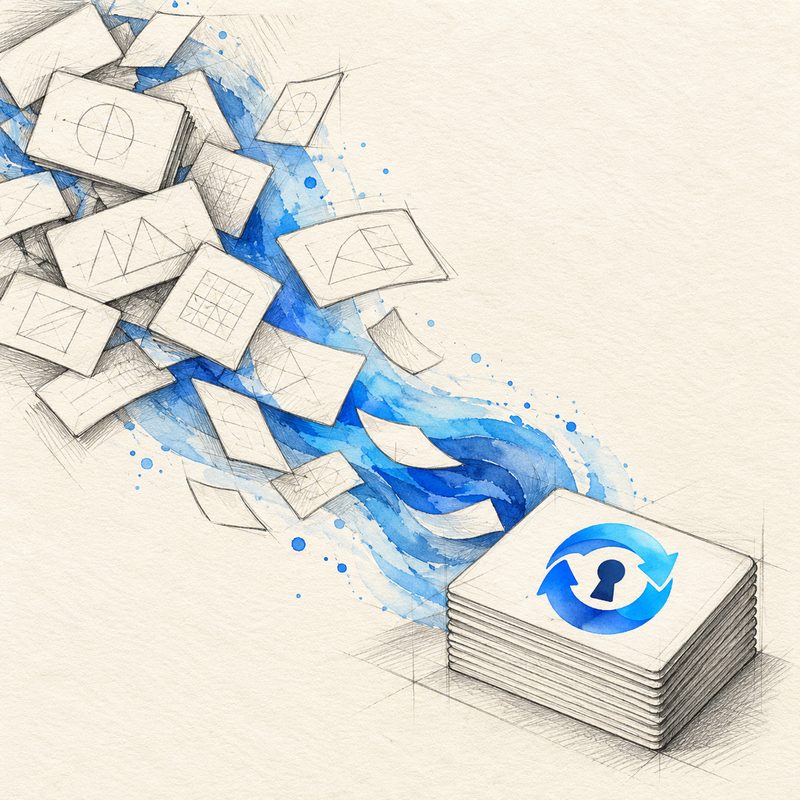
Save a change on one computer and the others have it moments later. Nothing to copy by hand, no guessing which of the “passwords-new-2.kdbx” files is the current one.
-
Upload in the background
The file goes to the server every time you save and to your other computers as soon as it changes.
-
An older version won't overwrite a newer one
If the file on the server changed in the meantime, KeeSync won't overwrite it.
-
Backups on the server
Download an earlier version from the website or restore it in the app.
When backups are made
- each change
- daily
- weekly
- monthly
A backup before every change, plus daily, weekly and monthly ones. How many are kept depends on your plan.
02 — Security
The server has the file,
not the password.
KeePass encrypts the database on your computer. The server receives an encrypted file and keeps it that way – without the master password nobody can open it, us included.
-
Your master password stays with you
It is never sent anywhere or stored on the server.
-
Two-factor authentication
A code from an authenticator app or by e-mail, plus recovery codes in case you lose your phone.
-
App passwords
Each WebDAV app gets its own password. Lost your phone? Revoke that one password and you're done.
-
An e-mail for every change
Changing your password or two-factor settings always sends a message to your inbox.

We can't recover your master password. That's by design.
03 — WebDAV
On your phone,
via WebDAV.
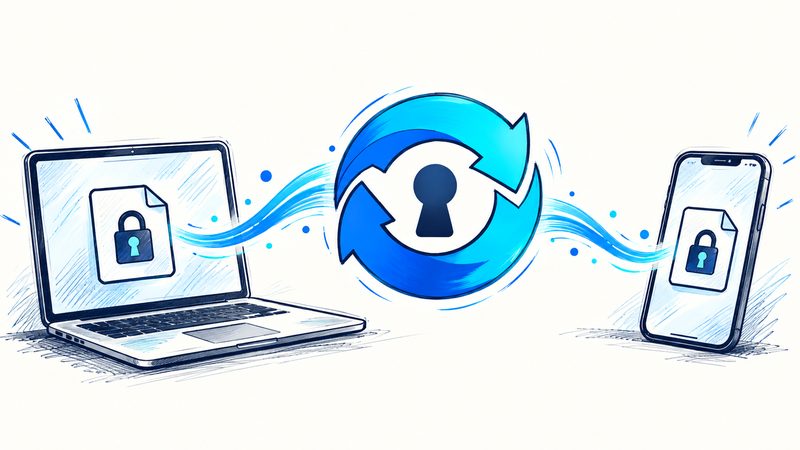
KeeSync runs on computers, but you can open the database on your phone too. All you need is a KeePass app with WebDAV support, the address below and an app password.
WebDAV address
https://keesync.com/storage/
Sign in with an app password – create one in your account settings.
Works with
- KeePassDX Android
- KeePass2Android Android
- Strongbox iOS · macOS
- and other KeePass apps with WebDAV support
KeeSync vs. a cloud drive
Why not just a cloud drive?
Dropbox or Google Drive will sync a .kdbx file too. The difference is in the details.
- You keep your KeePass.
- No moving passwords to a new manager. Same file, same app.
- No “conflicted copy” files.
- When changes collide, a cloud drive puts a second file next to the first. KeeSync won't overwrite the newer version and keeps backups.
- A plain .kdbx file.
- Download your database and take it elsewhere whenever you want.
- Just sync.
- No password browser, no plug-ins. A small tray app that does one thing.